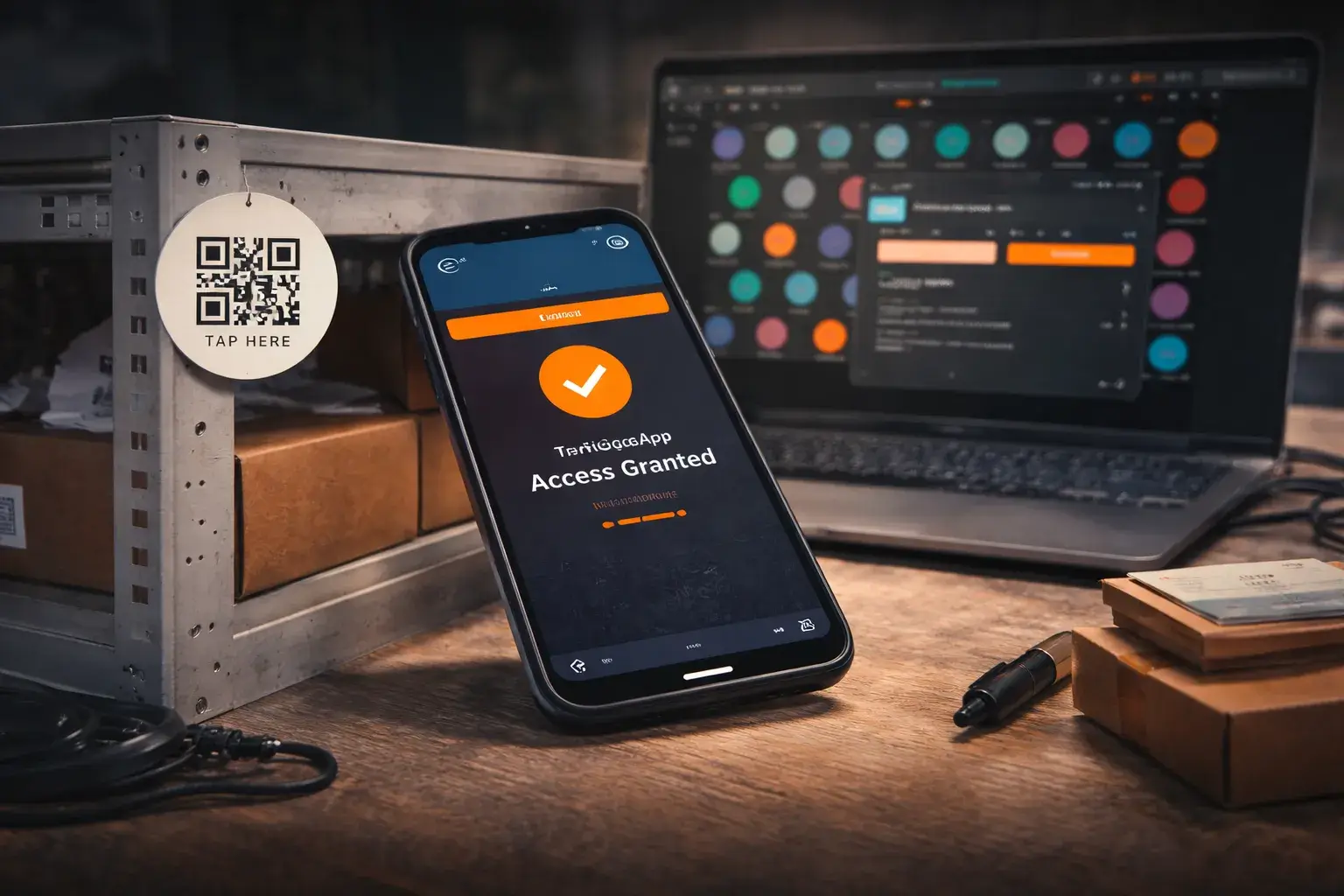
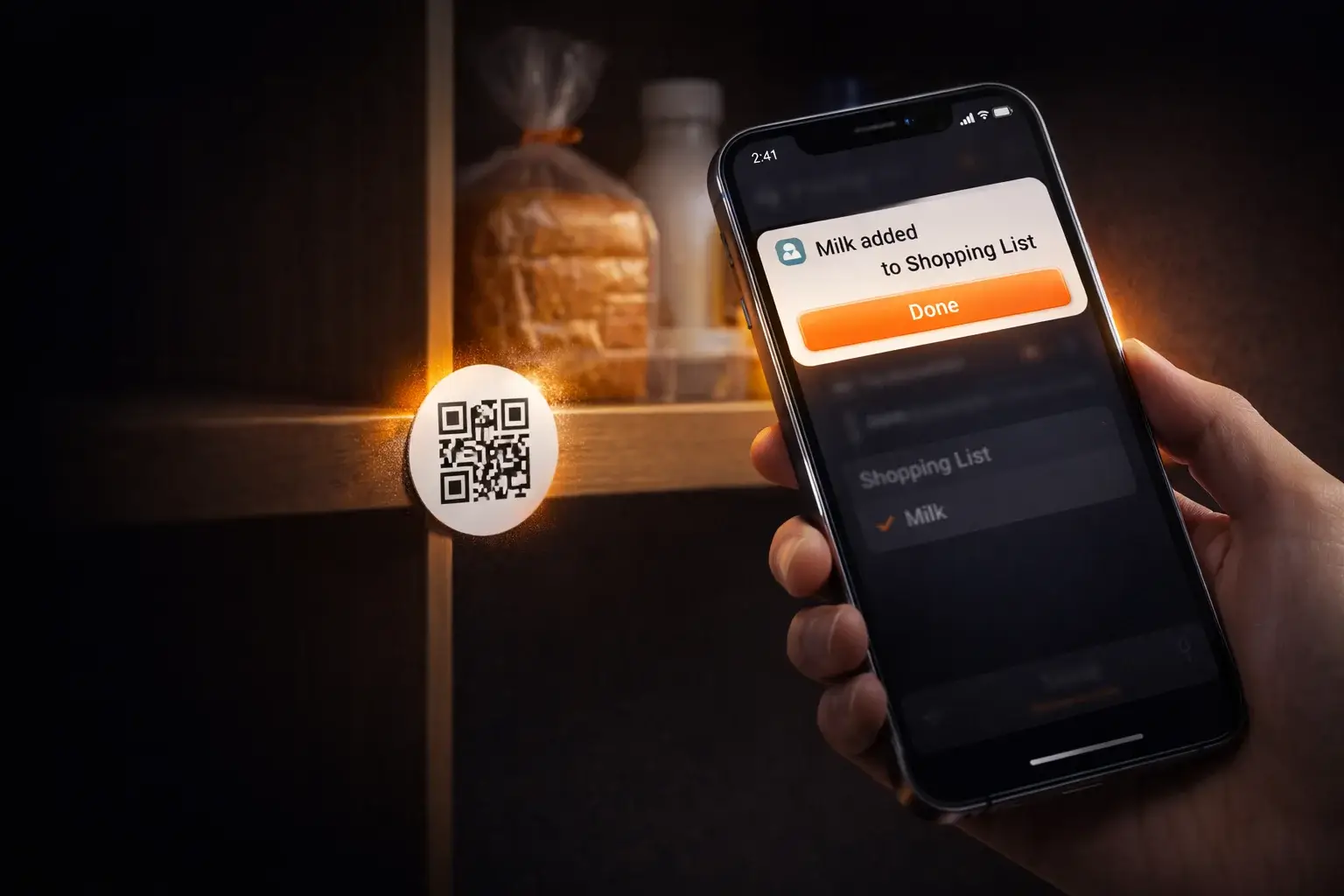
Scan a tag.
Action done.
Create NFC or QR tags, link them to actions, and trigger workflows instantly — from personal usage to business processes.
Manual routines create chaos.
People forget. Messages get lost. Processes break. TriggoApp connects real-world triggers to structured digital actions.



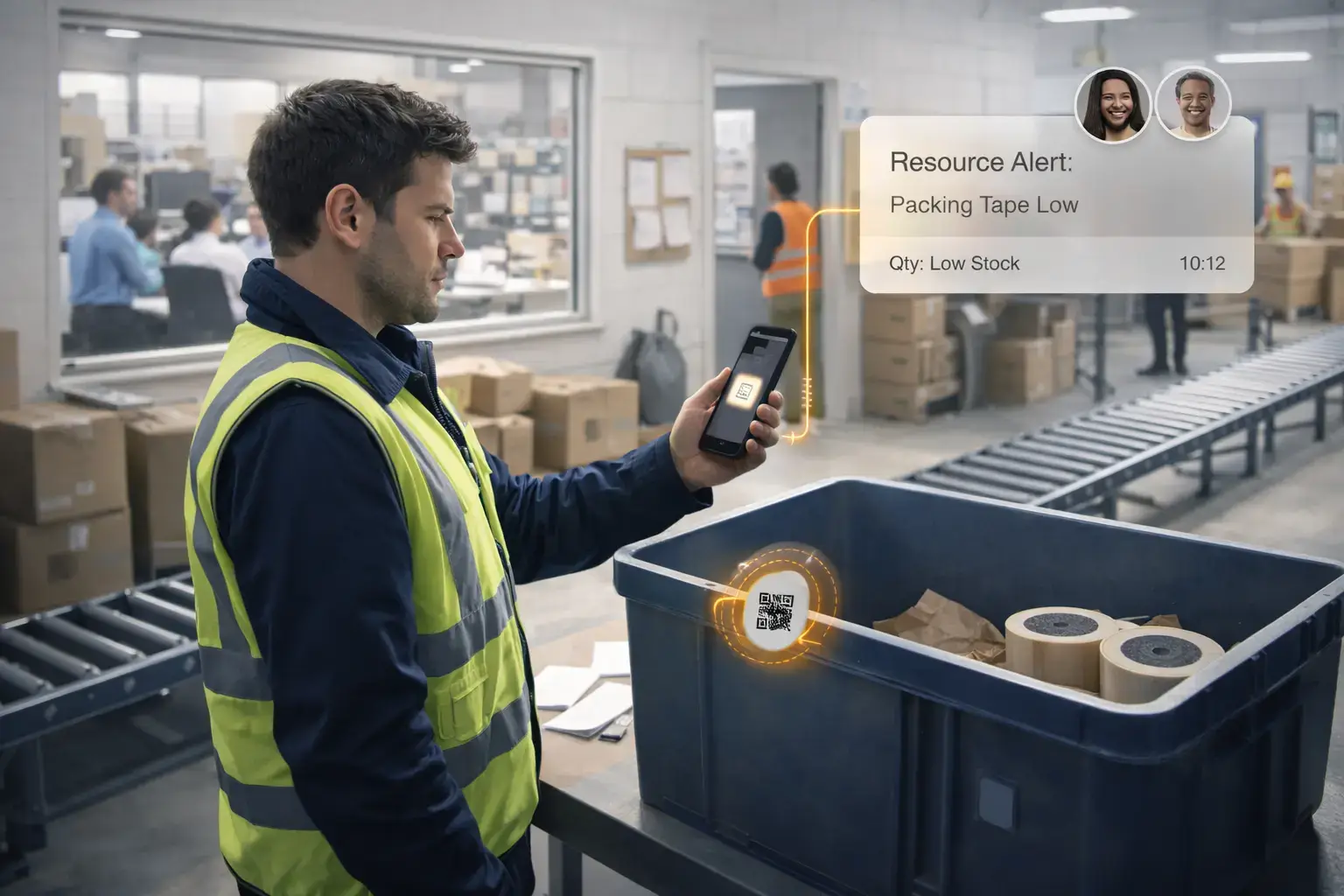

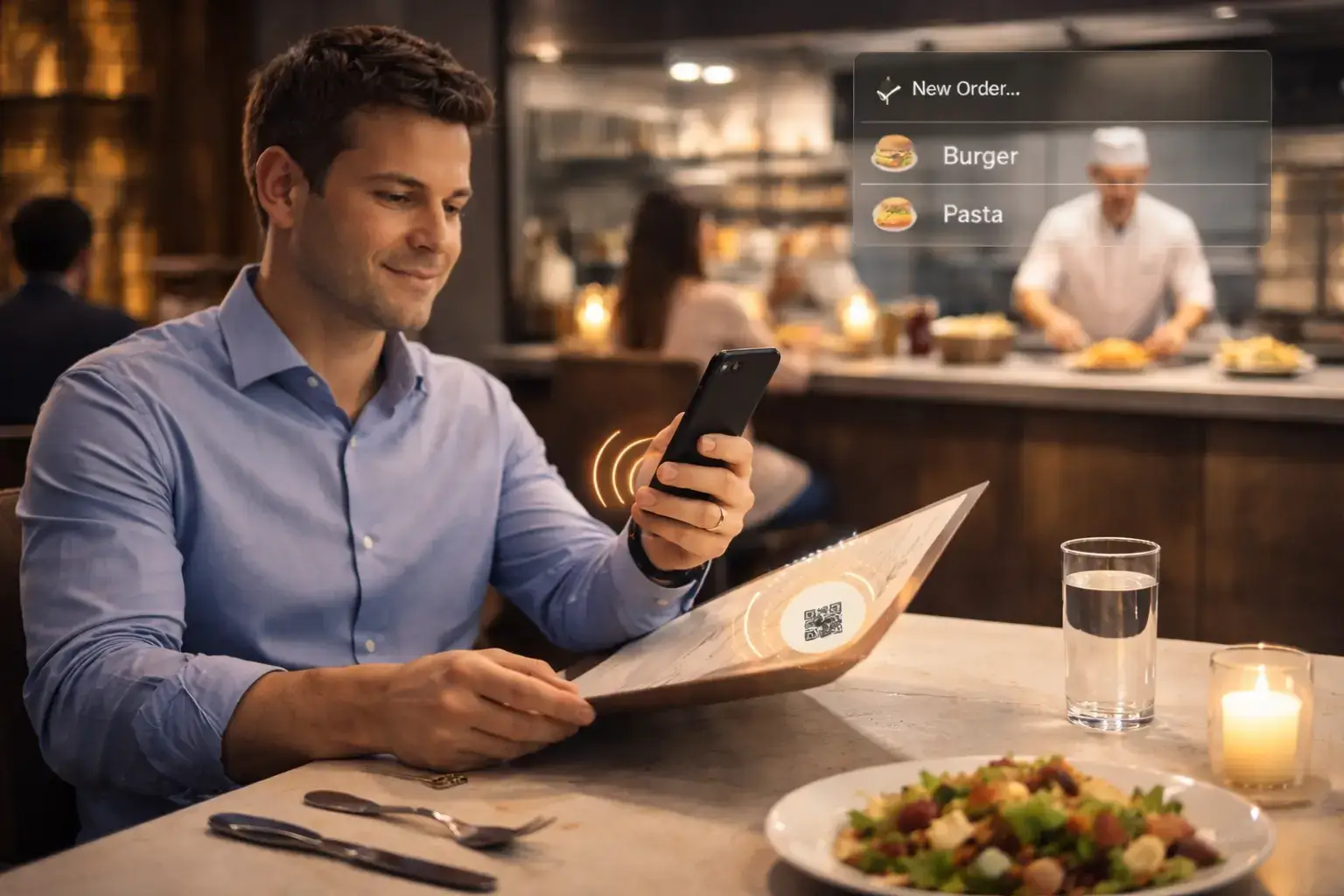
Three steps. One simple flow.
Create a tag, link actions, and scan. TriggoApp handles the rest — instantly and automatically.
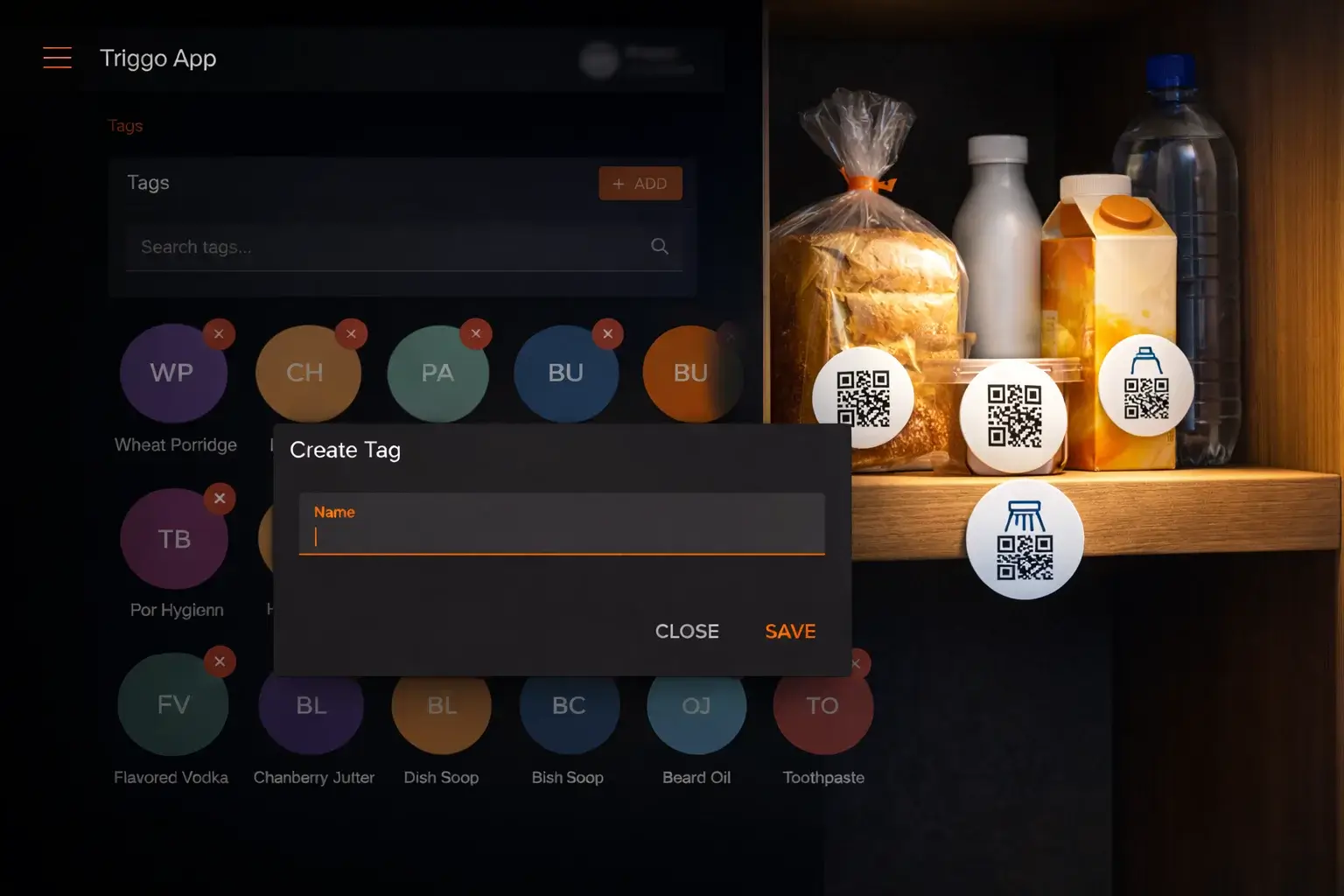
Create a tag
Generate a unique NFC or QR tag in the app and place it where it makes sense.
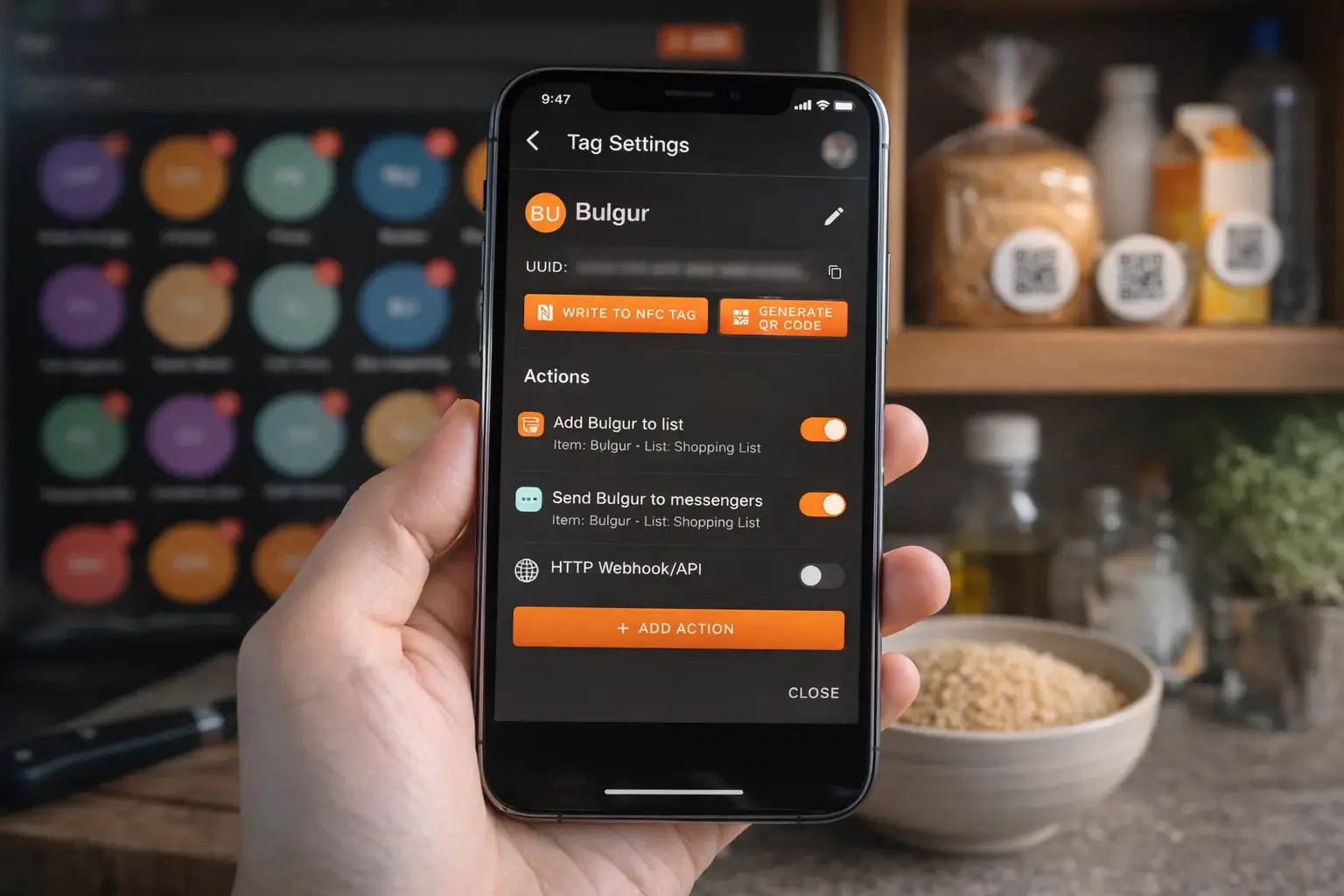
Link actions
Choose what should happen on scan — lists, notifications, task completion, or integrations.
Scan & done
Scan the tag — the request goes to the server and the action runs automatically.
Built for real-world automation
Everything you need to turn physical tags into automated workflows.
NFC & QR support
Each tag contains a unique secure identifier linked to your workflow.
Multiple actions per tag
Trigger several actions from a single scan.
Task lists & items
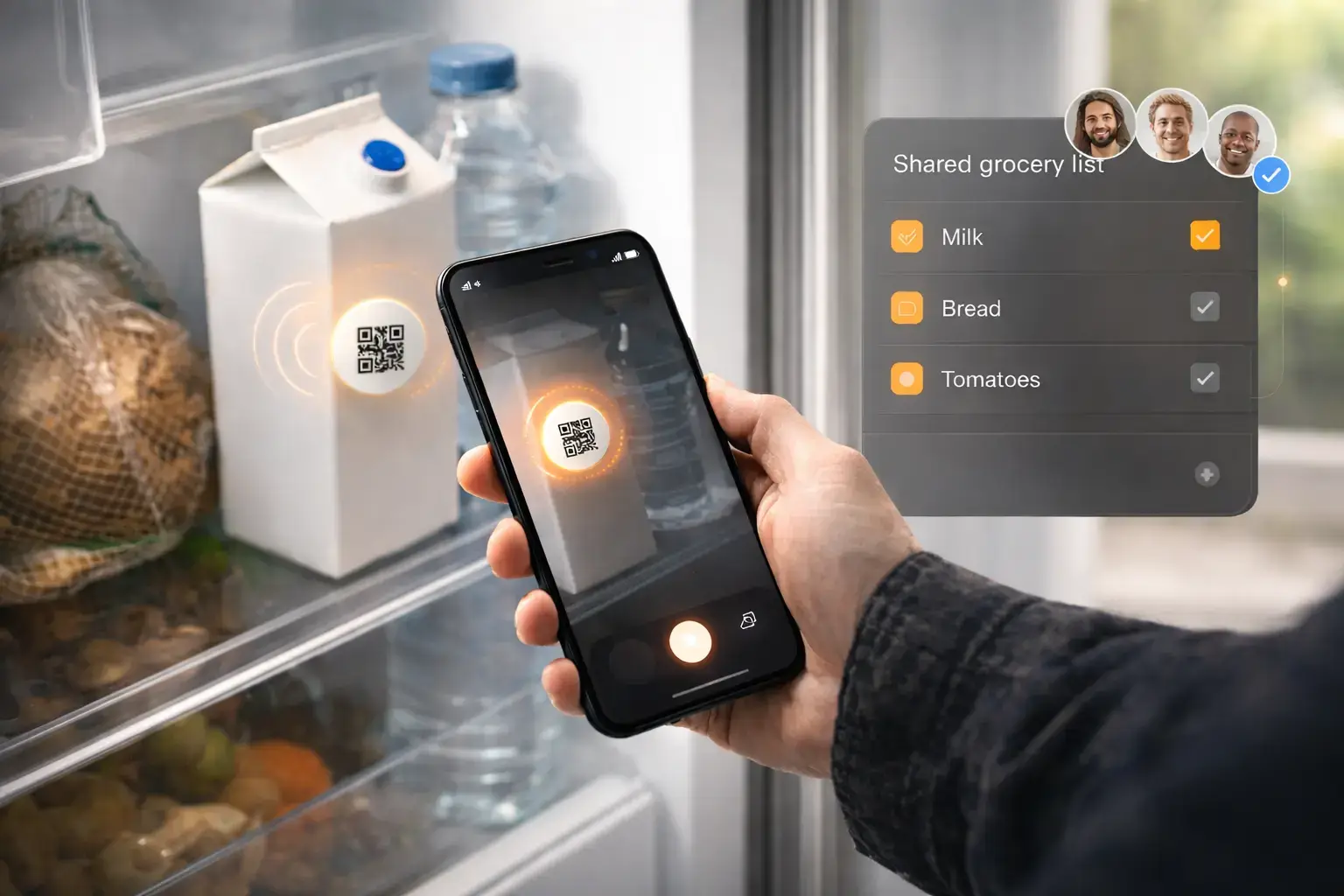
Create and manage dynamic lists for home or business.
Shared access
Collaborate with family or team members in real time.
Telegram integration
Send notifications and manage lists directly in chat.
One-click Done
Mark items completed instantly from messenger.
Audit-friendly flow
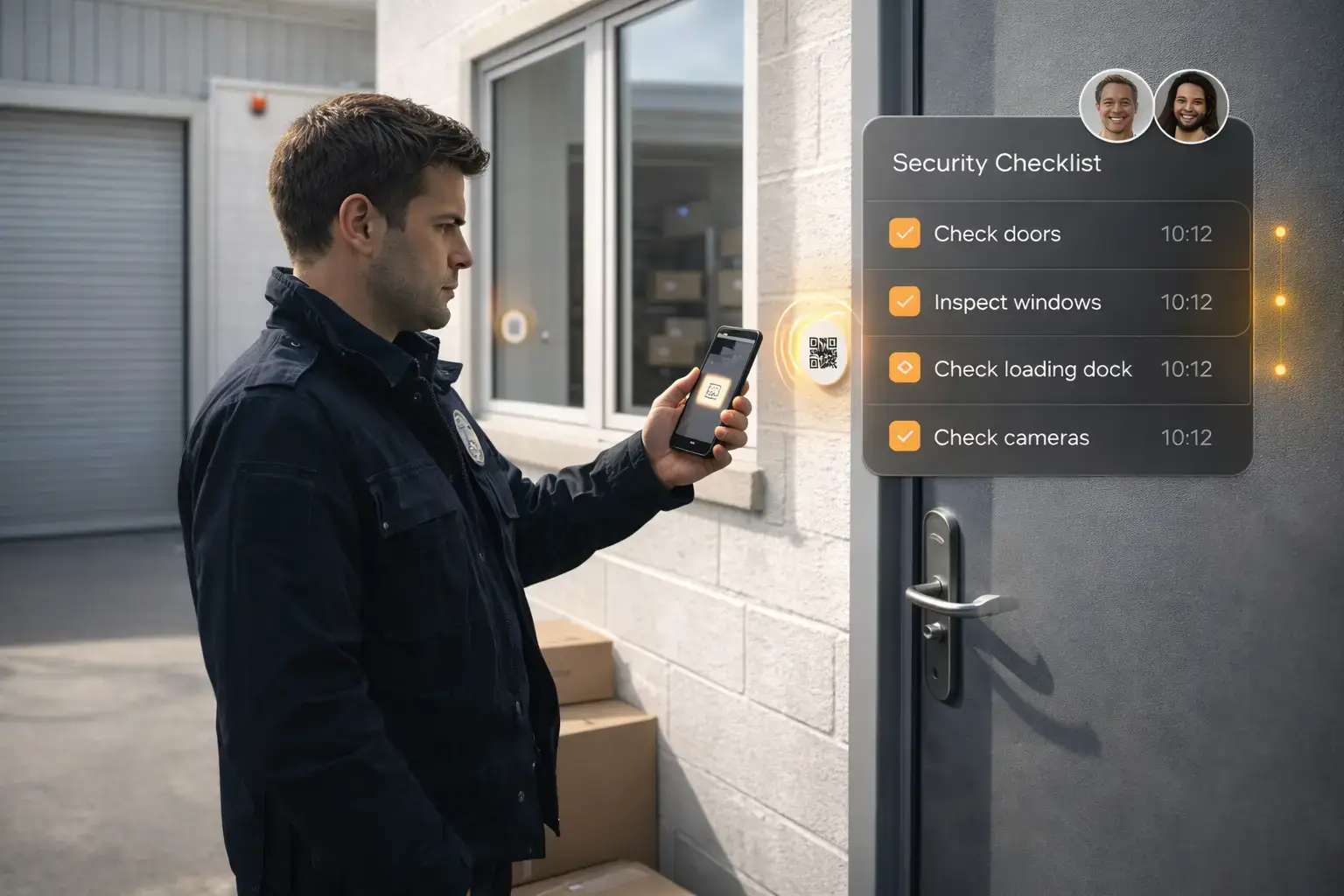
Every scan confirms presence and execution.
Extensible integrations
Ready for other messengers and external APIs.
Built for teams, not just personal use
Same simplicity — but adapted for real operations: supplies, routines, and repeatable actions.
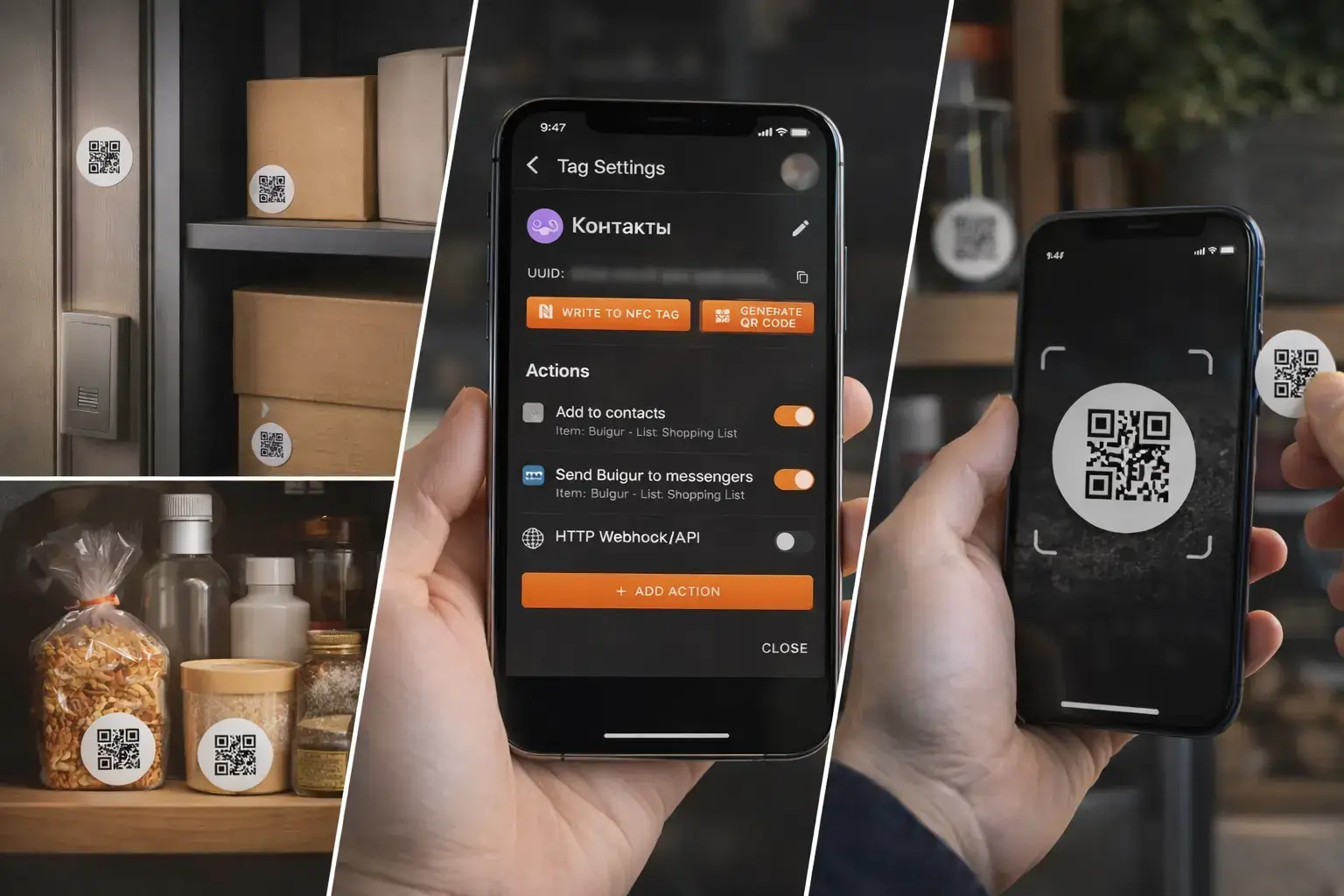
Place tags → assign actions → connect a chat. Your team can start immediately.
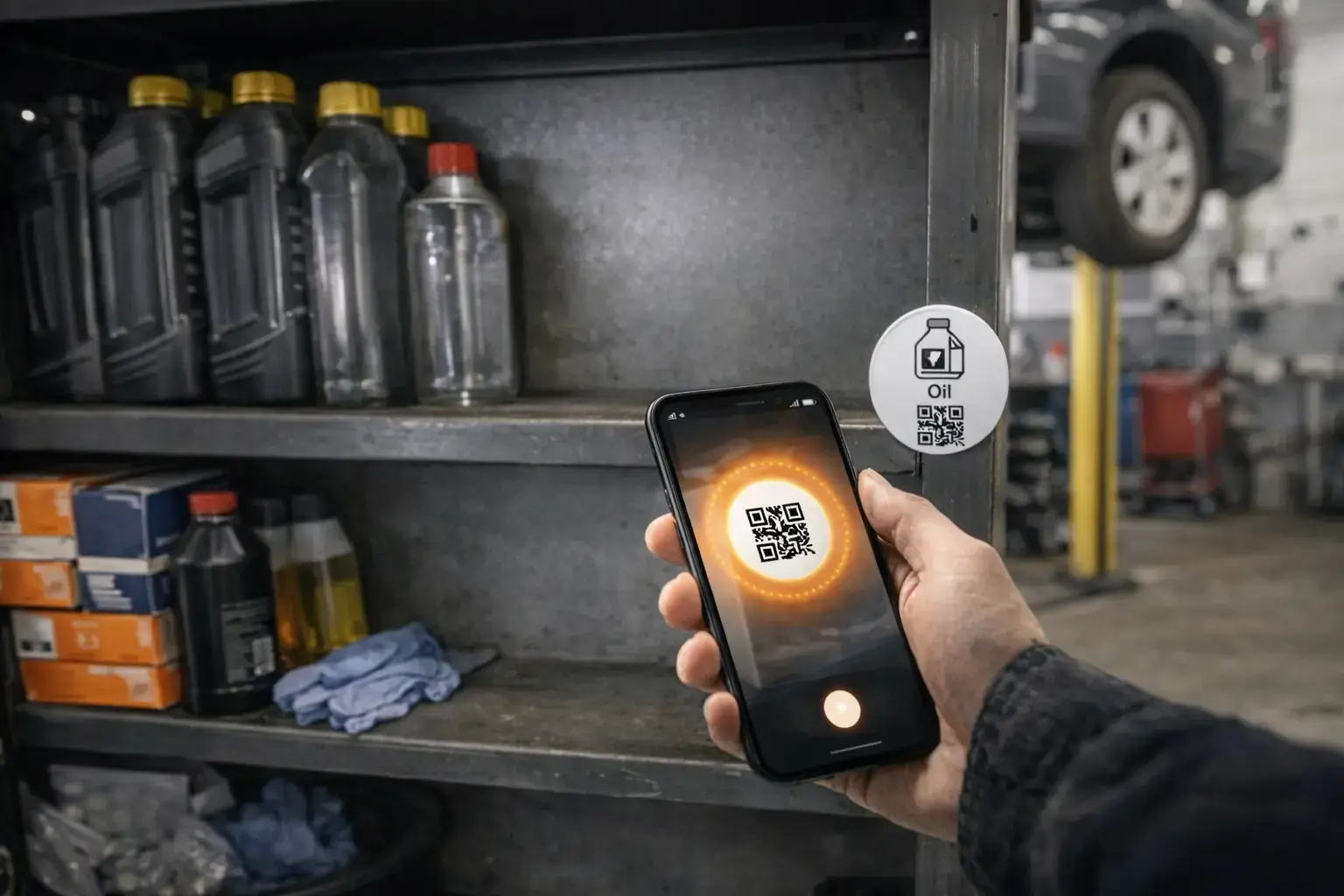
When something runs out, the request appears right away — no delays.
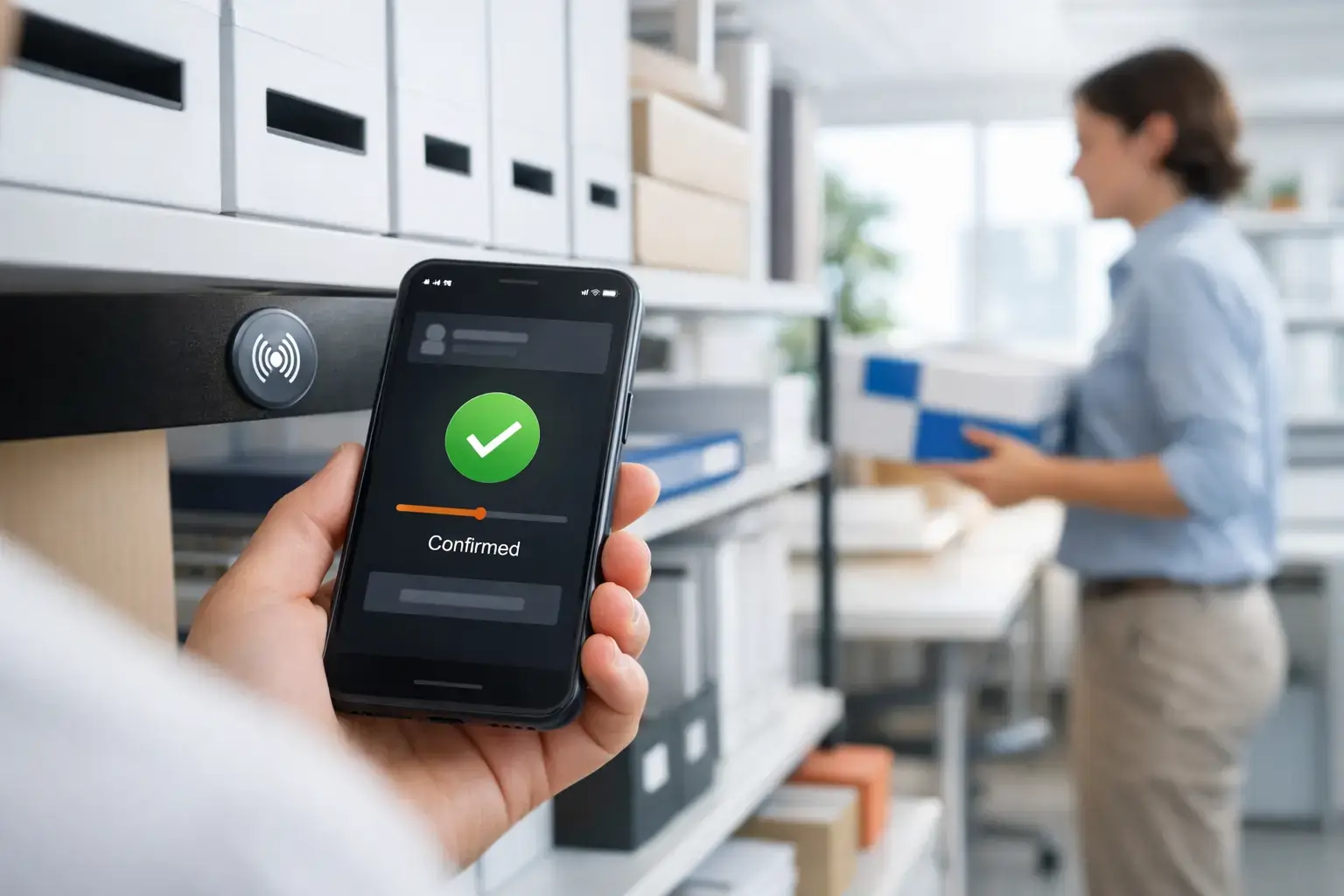
People see what was requested and what’s already handled — without confusion.
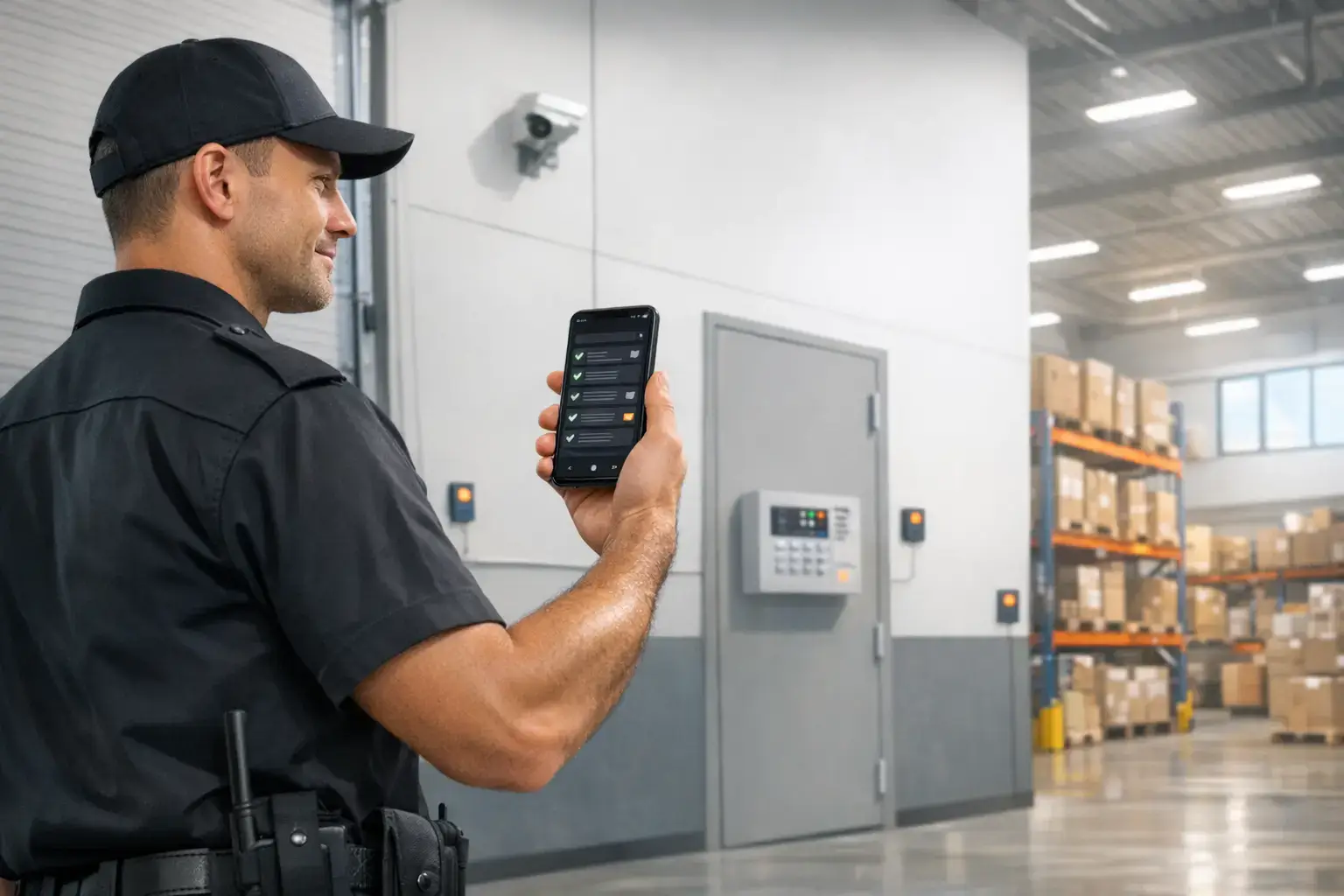
Add more tags and actions as you grow — the process stays consistent.
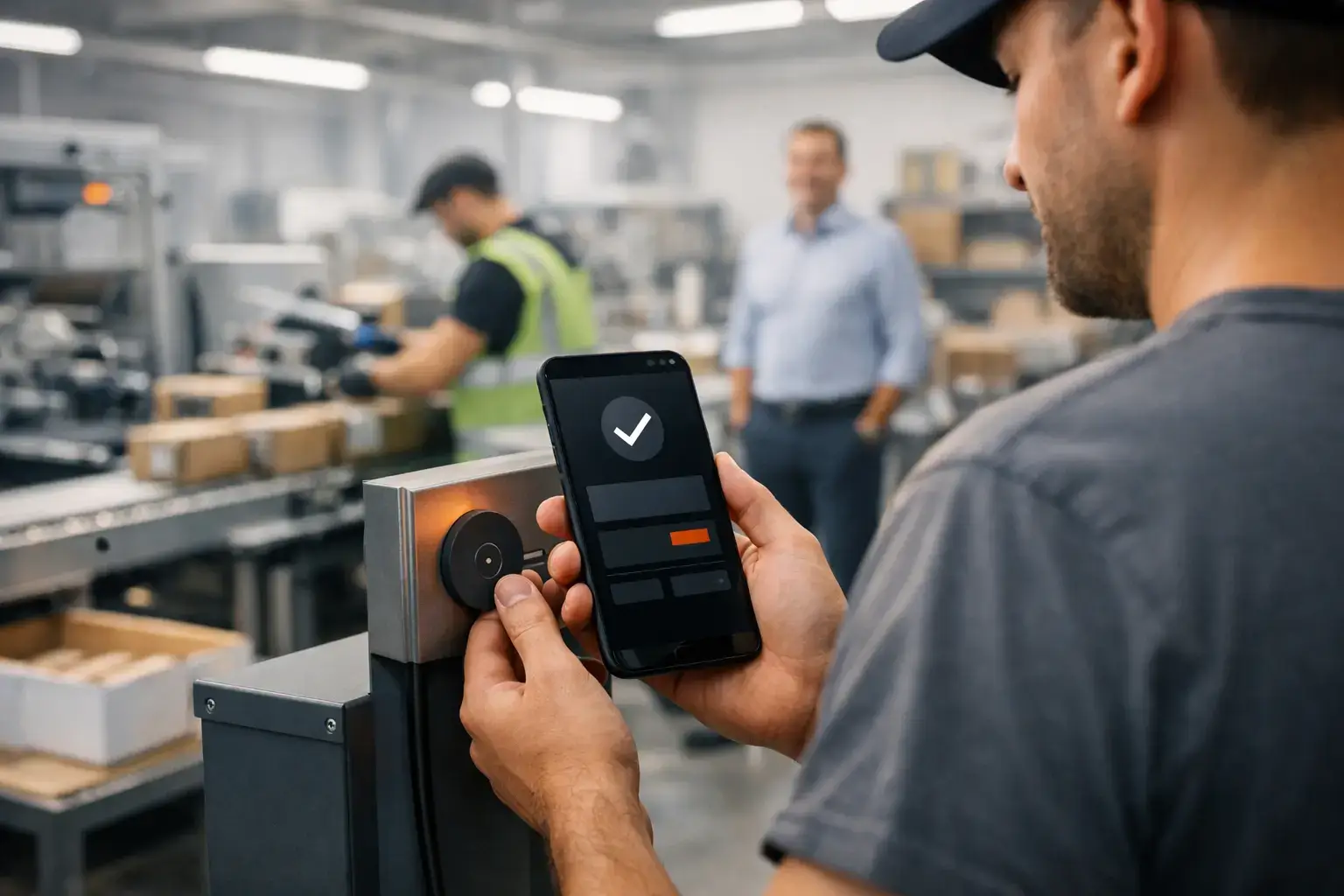
Scanning a tag is harder to forget than a message — fewer missed tasks.
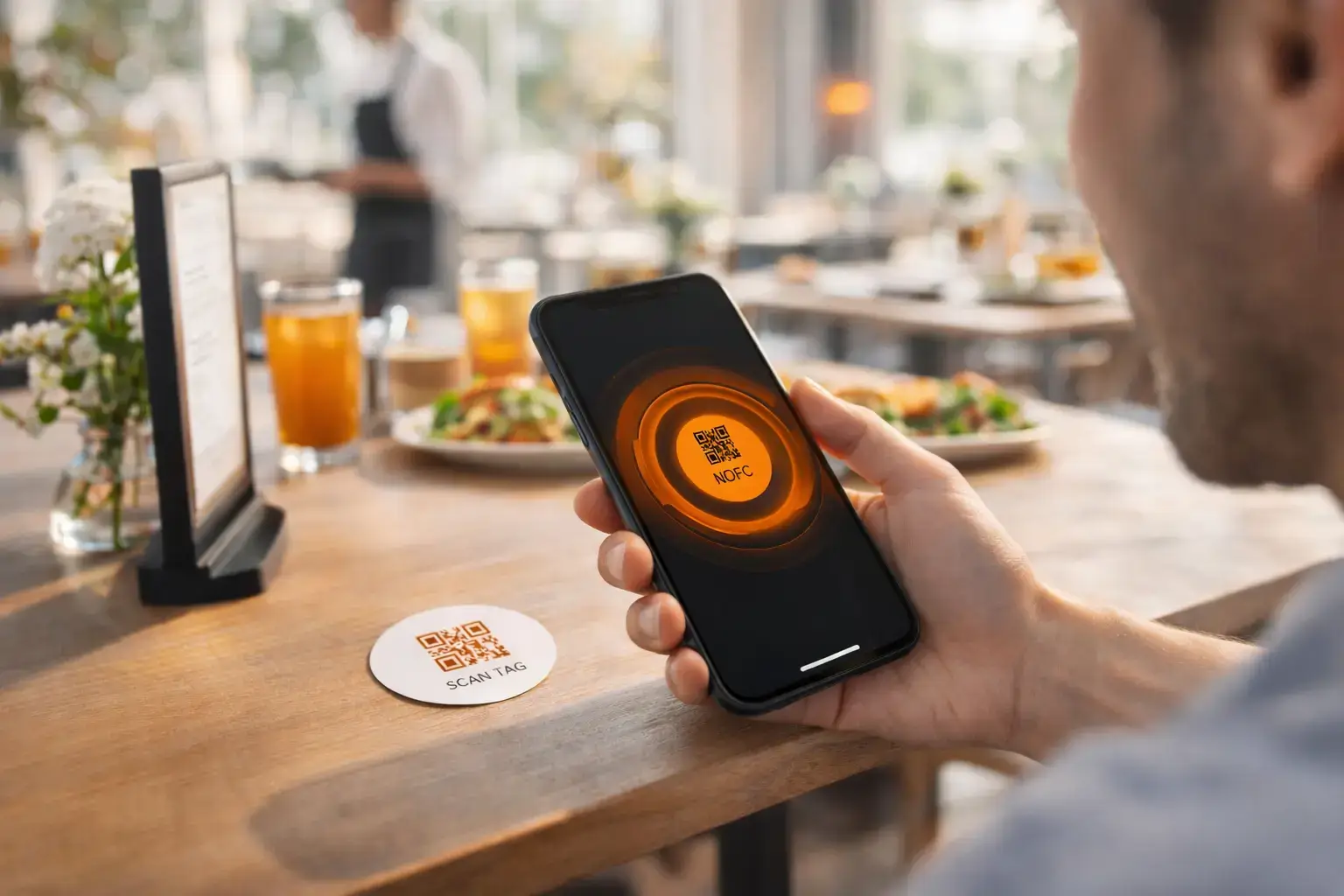
Customers interact with your business through simple tag scans — like ordering from a table menu.
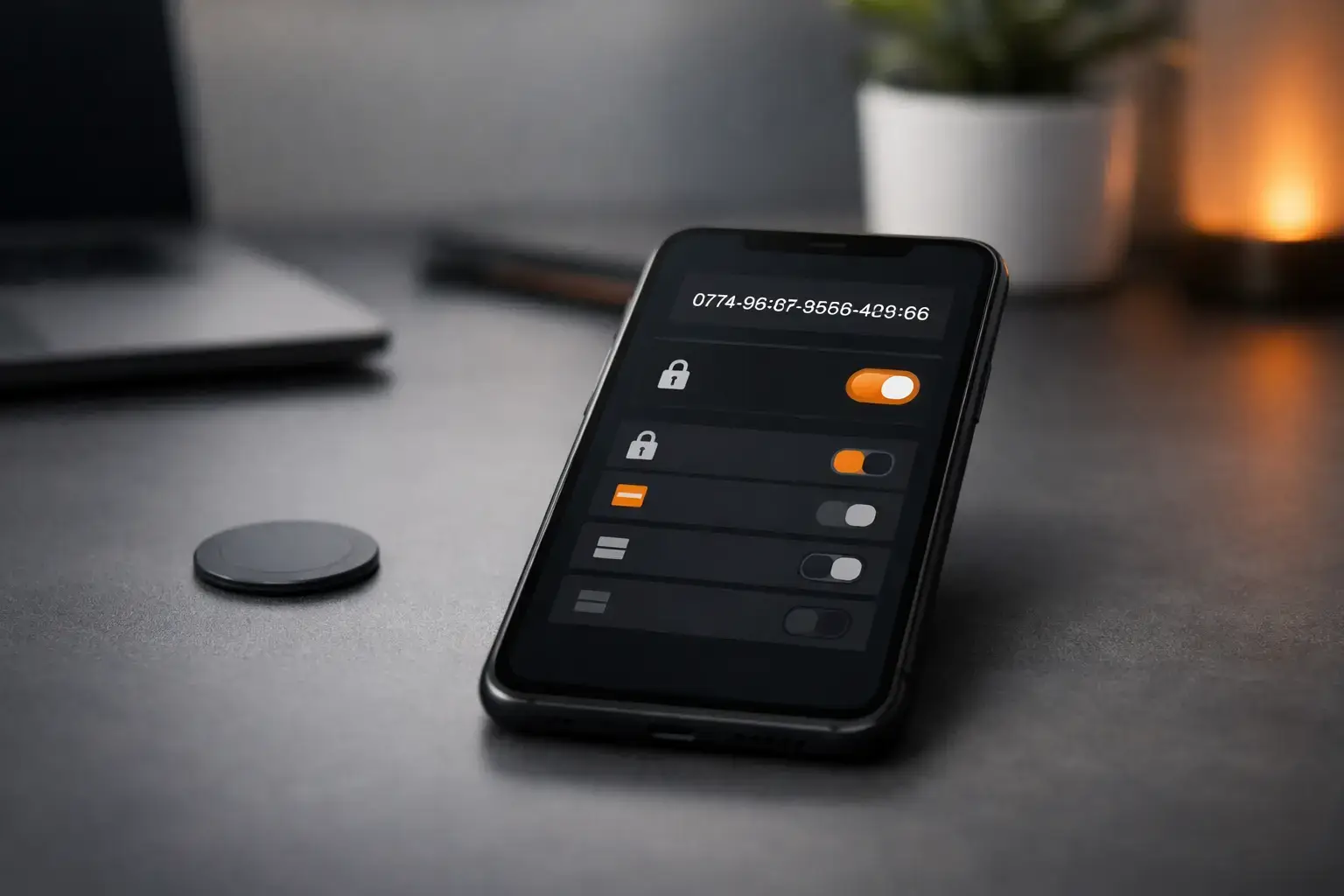
Security by design. Privacy by default.
Triggo tags contain only unique identifiers. All actions are securely processed on the server and controlled inside the application.
Tags store only a unique identifier — never sensitive data.
All actions are validated and processed securely on the backend.
Permissions are managed inside the app and controlled per user.
Tags can be deactivated or replaced instantly at any time.
What’s next for us
We’re expanding from Telegram-first automation to a broader ecosystem — messengers, APIs, and real-world commerce.
Connect the same tag actions to where your team already communicates.
- WhatsApp / Viber / Slack-style channels
- Multiple chats per list and routing rules
- Unified “Done” flow across platforms
Send tag actions into your existing tools and automate routine operations.
- Webhooks and event triggers
- CRM / Helpdesk / internal tools
- Custom actions per tag and per location
Customer-facing flows powered by tags — simple, fast, and trackable.
- Menu ordering via tag scan
- Reorders and repeat purchases
- Partner / merchant integrations
Free during early access
Start using Triggo today and help shape what we ship next.
Unlimited usage for early adopters while we validate the product with real workflows.
Answers to common questions
Short and practical. If something is missing — we’ll gladly clarify.
Use NFC when you want the fastest “tap to trigger” experience. Use QR when you need universal compatibility, longer distance scanning, or you can’t rely on NFC support.
Yes — the tag itself contains only a unique code. Your phone opens the action, and the server performs it (for example, adding an item to a list or sending a Telegram message).
Then use QR tags. The same action can be triggered by scanning a QR code with the camera — no NFC required.
You can use any standard NFC tag and register it through the Triggo app.
QR codes can be generated directly in the app and printed using any method you prefer. For larger operations, you can use a thermal label printer to print QR labels at scale.
We can also provide NFC tags with printed thermal labels that include your QR code, custom text, and/or image. After receiving the tag, you simply register it in your account during the first scan.
Currently, we can ship tags within Ukraine at material cost (approximately 15 UAH or 0.35$ per tag) plus delivery.
Yes. A single tag can run multiple actions (for example: add item to a list + notify a chat). You can keep it simple at first and expand later.
Create a connection code in Triggo, send it to the Telegram bot, and choose which list/chat should receive updates. After that, scans will post requests automatically.
Yes. You can share a list with family or teammates so everyone can view it and add items. Access is controlled in the app.
You can disable it instantly. Tags store no sensitive data — only an identifier. If needed, you can reissue and replace a tag without changing the workflow.
Fast. Place tags in key locations, assign actions, connect your team chat — and start using it the same day. You can scale gradually.
Tell us your scenario — we’ll suggest the best setup for home or business.
Start using TriggoApp today — free.
Place tags. Assign actions. Connect your team. It takes minutes.